

Universal Pairing USB Receiver Rechargeable for Dell KM714 KM717 WM527 WM514 WM326 KM636 WK636P Wireless Keyboard and Mouse
Product details
| Management number | 239379834 | Release Date | 2026/07/14 | List Price | US$5.59 | Model Number | 239379834 | ||
|---|---|---|---|---|---|---|---|---|---|
| Category | |||||||||
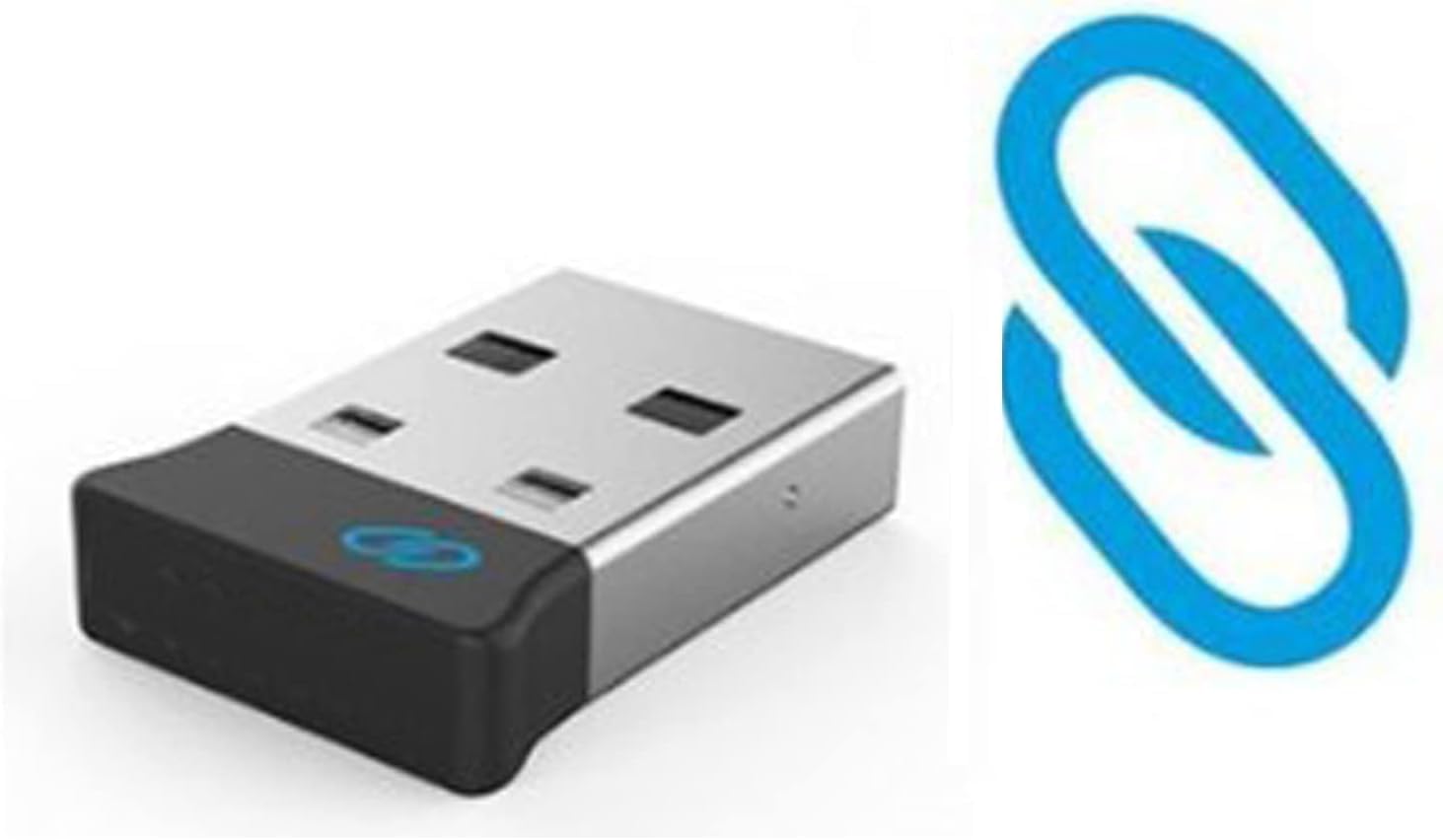
Specification: Type: Item Size: 0.54 x 0.76 x 0.18 inch Item Weight: 1.1g Condition: Brand New Replace Part Number: For Dell Wireless Keyboard and Mouse – KM714 For Dell Wireless Keyboard and Mouse – KM636 For Dell Wireless Laser Mouse – WM514 For Dell Wireless Mouse – WM326 For Dell Premier Wireless Keyboard and Mouse – KM717 For Dell Premier Wireless Mouse – WM527 For Dell Premier Wireless Keyboard – WK717 1. Download the Dell Universal Pairing Software on Dell official website. If you can't find it, please seller support . 2.Start Universal Receiver Control Panel(Pic #4) and plug in the Universal USB receiver. 3.Touch or click Add New Device. 4.Follow the instructions to set up step by step 5.Pairing is completed Please check the bottom of your keyboard or mouse for the Dell blue double ring logo! The presence of the Dell blue double ring logo is the only way to confirm that this receiver will work with your keyboard or mouse.
- Model :Pairing USB receiver (Your keyboard or mouse must have the DELL blue double ring logo printed on it).
- Universal Pairing USB Receiver for Dell WM527 WM514 KM714 KM717 WM326 WK636P Wireless Keyboard and Mouse
- Note: This universal pairing usb devices are not compatible wNote: This universal pairing usb devices are not compatible with the Logitech Unifying Technology devices (Pic #4). The easiest way to check compatibility is to look at the logo (blue chain) on the USB receiver and compare that to the logo (blue chain) on the body of the keyboard or mouse. NO Plug and Play . Need to Download Dell Universal Pairing Software
- You can connect up to 6 compatible devices to one USB receiver.
- As for download the Dell Universal Pairing Software, if you do not know how to download it, please contact us for the instruction.
| ASIN | B0CHK3NCY6 |
|---|---|
| Brand | EXMUMCMR |
| Color | Default |
| Unit Count | 1.0 Count |
| Manufacturer | FENGMAI LIMITED |
| Power Source | Battery Powered |
| Keyboard Layout | QWERTY |
| Antenna Location | Office |
| Hand Orientation | Both |
| Operating System | Windows |
| Compatible Devices | Keyboard, Mouse |
| Keyboard Description | Indoor |
| Warranty Description | 1 YEAR |
| Are Batteries Required | No |
| Connectivity Technology | Usb |
| Compatible Operating System Family | Windows |
| Other Special Features of the Product | Rechargeable |


Bestseller ranking
Pictorial


Customers who viewed this product also viewed
Keyboards


Correction of product information
If you notice any omissions or errors in the product information on this page, please use the correction request form below.
Correction Request Form